


No items found in your cart!
No items found in your cart!
.jpeg)
 you definitely can not afford to miss this. READ HERE https://www.hub.goglowonline.com/view-post.php?post_id=88, Thanks for always taking out time to read through our blog posts @ Goglow Hub! We are Happy that you enjoy it!&image=<img src='https://www.hub.goglowonline.com/upload/1774511283images (2).jpeg'/>) |
|
|
|
|
|
|
|
Introduction
If you’ve ever visited a website, chances are high that PHP played a role behind the scenes. PHP (Hypertext Preprocessor) is one of the most widely used server-side programming languages in the world. It powers millions of websites and applications—from simple blogs to complex platforms like e-commerce systems and learning portals.
At Goglow Hub, we believe in teaching practical skills that can help you build real-world solutions. In this post, you’ll learn what you can build with PHP and how to start building your own websites or systems step by step.
What Can You Build With PHP?
PHP is flexible and powerful. Here are some of the most common and useful things you can build:
1. Dynamic Websites
Unlike static websites, PHP allows you to create websites that change based on user input or data.
Examples:
2. Content Management Systems (CMS)
A CMS allows users to create, edit, and manage content without coding every time.
Examples:
3. E-commerce Platforms
You can build systems where people can buy and sell products online.
Features include:
4. Student Management Systems
Perfect for training centers like Goglow Hub.
Features include:
5. Authentication Systems
Login and registration systems are core to many applications.
You can build:
6. REST APIs
PHP can power APIs that connect mobile apps or frontend frameworks.
Use cases:
7. Event Listing Platforms
Just like your GOGLOW EVENTS LISTING WEBSITE, PHP is perfect for:
Tools You Need to Start with PHP
Before you start building, you need a few basic tools:
How to Build a Website or System Using PHP (Step-by-Step)
Let’s break it down into simple, practical steps:
Step 1: Plan Your Project
Before writing code, define:
Step 2: Design Your Interface (Frontend)
Use:
Tip: Keep it simple and clean.
Step 3: Set Up Your Database
Step 4: Connect PHP to Database
This allows your PHP application to interact with your database.
Step 5: Build Core Feature
Step 6: Organize Your Code
Structure your project, this makes your project clean and scalable.
Step 7: Add Security
Important for real-world systems:
Step 8: Test Your System
Check:
Step 9: Deploy Your Website
To make your system live:
Best Practices for PHP Development
Why Learn PHP at Goglow Hub?
At Goglow Hub, we don’t just teach theory—we focus on real-life projects.
You will learn:
PHP remains one of the most powerful tools for building websites and systems, especially for beginners and intermediate developers. Whether you want to build a simple blog or a full business platform, PHP gives you everything you need.
The best way to learn is by doing. Start small, build consistently, and improve over time.
Ready to Learn PHP?
Join Goglow Hub today and start building real-world projects that can earn you money and open doors to opportunities in tech.
Your journey to becoming a full-stack developer starts here.

.jpeg)

.jpeg)


 Courses
 Graphics Design
 Web Development
 Mobile App Development
 System Application Development
 Computer Appreciation
 Architectural Design
 UI/UX Design
 Programming
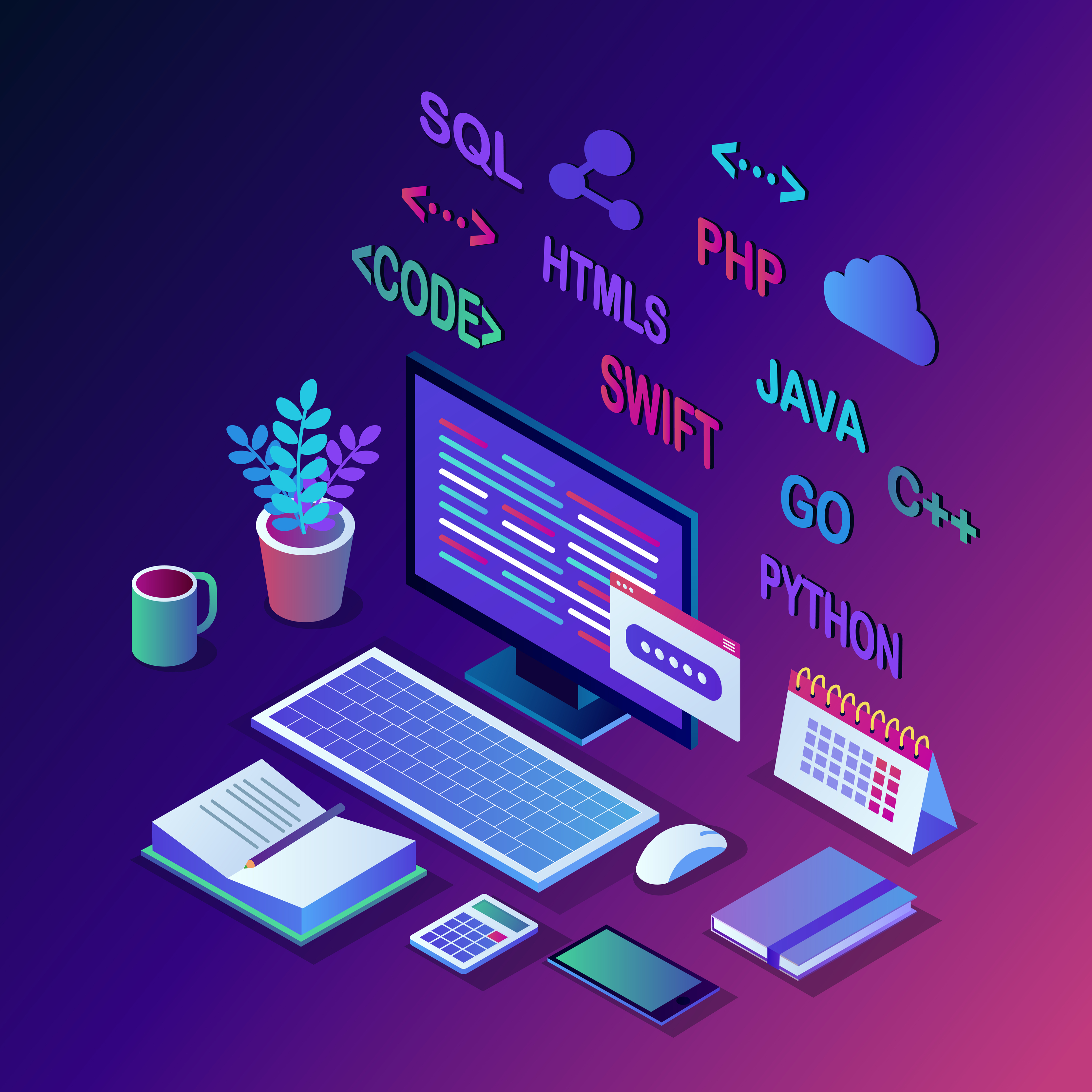 Software Development
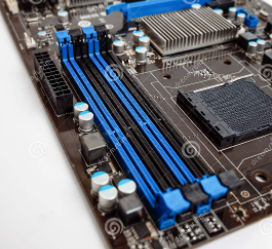 Computer Repairs
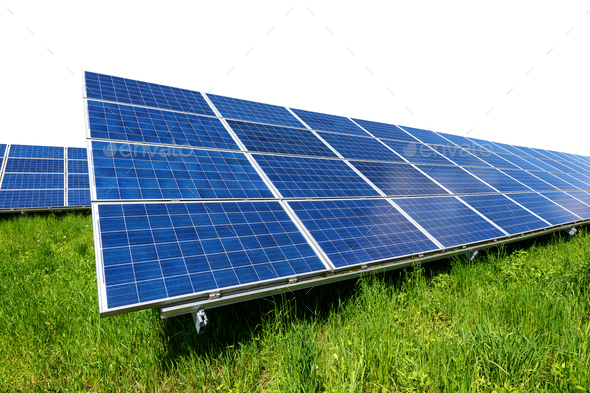 Solar Panel Installation
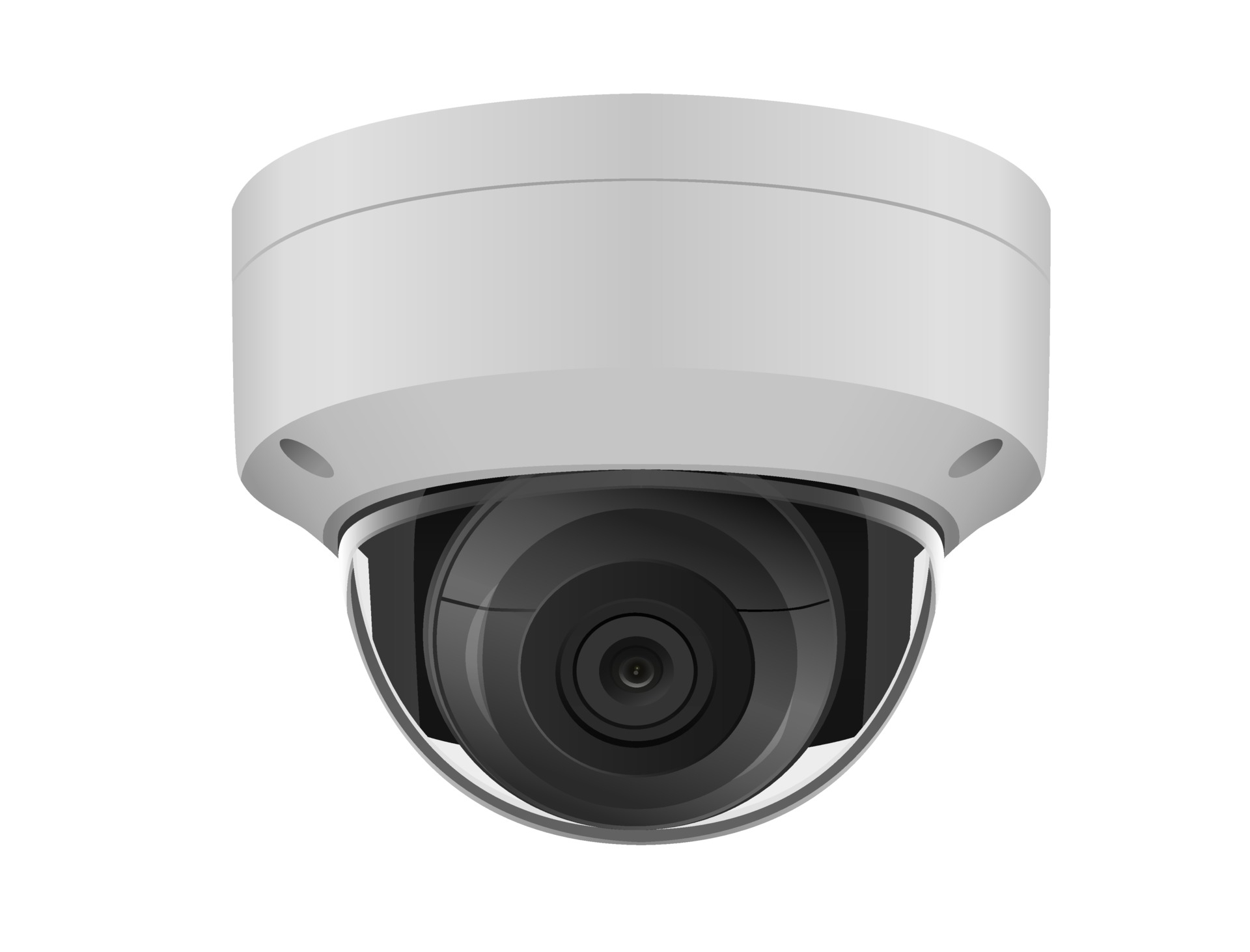 CCTV Installation
 Digital Photograpghy
 Digital Marketing
 Data Analytics
 Database Management
 Ethical Hacking
 Blockchain Development
 Jamb CBT Practice
 TOEFL Training
 IELTS Training